How to Fix Blue Screen With Sad Face on Windows 10/11
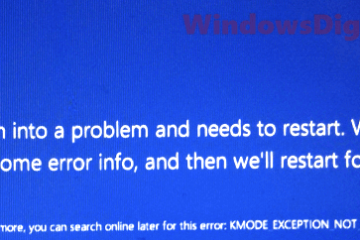
The blue screen with a sad face, or Blue Screen of Death (BSOD), is a common issue that happens on Windows laptops or desktops. When this happens, you’ll see a sad smiley face and some [...]
Fixes and how-to guides for Windows 11, covering error messages, blue screens, updates, settings, apps and drivers, explained step by step.
The blue screen with a sad face, or Blue Screen of Death (BSOD), is a common issue that happens on Windows laptops or desktops. When this happens, you’ll see a sad smiley face and some [...]
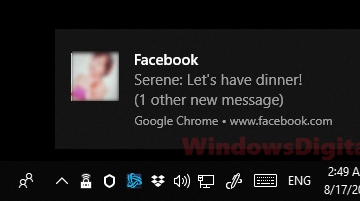
Are you tired of getting annoying notifications from Chrome, including Facebook alerts or ads from different websites, that pop up every now and then on your desktop? In this guide, we will show [...]
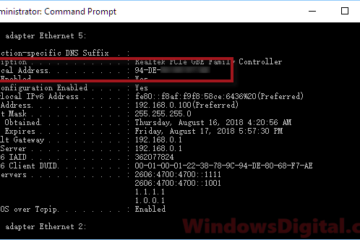
Your network adapter has a unique hardware identifier known as a MAC address, which cannot be changed or modified. If you need to find your device’s MAC address, this guide offers [...]
Having audio issues with your earphones or headsets on a Windows computer is very common. Sometimes, even when you’ve plugged in your headphones jack correctly, you either don’t hear [...]
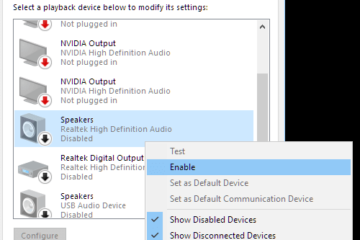
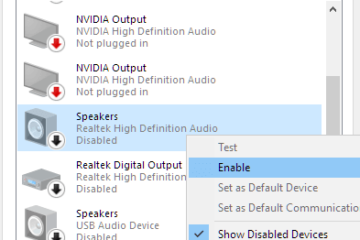
Is your Windows PC suddenly stops producing sound no matter what you do, especially after a recent Windows update? If that’s the case, this guide will show you some workarounds you can try [...]
Windows Update sometimes causes more problems than it fixes, particularly with driver issues that occur right after an update because the old, working driver is now replaced by a new but [...]
Having audio problems on your Windows 11 or Windows 10 PC, especially after an update? Maybe the Realtek High Definition Audio driver is the issue or perhaps the Realtek HD Audio Driver Manager [...]
Photos are pretty much part of our lives now considering how much easier it is these days to take a photo – with our smartphones, cameras, smartwatches or even VR headsets. Well, viewing [...]
If you’re a Windows user, you may have encountered the dreaded Blue Screen of Death (BSOD) error at least once. One of the most common BSOD errors is the [...]
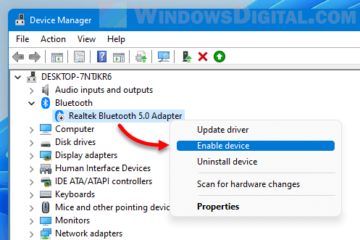
If your device like a speaker, keyboard, or mouse has Bluetooth, and your computer (laptop or desktop) has a Bluetooth adapter, you’ll need to turn on Bluetooth in Windows in order to [...]