Windows 11

Fixes and how-to guides for Windows 11, covering error messages, blue screens, updates, settings, apps and drivers, explained step by step.

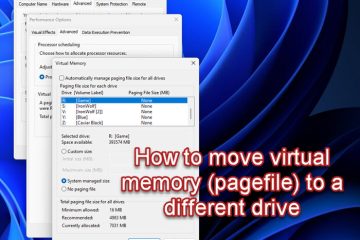
Moving Virtual Memory to Different Drive in Windows 11
Disk

Moving Virtual Memory to Different Drive in Windows 11

Virtual memory lets the system use hard drive space as an extension of RAM, which helps maintain the operation even when the RAM is all used up. It also prevents your PC from crashing when [...]
By Nyau Wai Hoe, ago
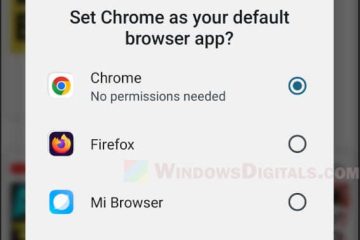
How to Change Default File Associations on Android
Android

How to Change Default File Associations on Android

Changing the default apps for opening different file types on your Android device lets you pick which apps you want to use for certain tasks or files. This is very useful when you have more than [...]

By Nyau Wai Hoe, ago
What is AGCInvokerUtility on Mac or Windows Startup
Mac

What is AGCInvokerUtility on Mac or Windows Startup

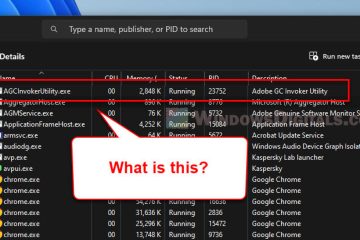
The AGCInvokerUtility, also known as Adobe GC Invoker Utility or AGCInvokerUtility.exe, comes with Adobe software. You might see it listed in the Task Manager Startup tab on Windows if you have [...]

By Nyau Wai Hoe, ago
BrYNSvc.exe process file what is it
Malware

What is BrYNSvc.exe Service Used For? Is it Safe?

BrYNSvc.exe is a file you’ll find on Windows computers that use Brother printers, or have previously installed one of its relevant drivers. It’s actually just part of the Brother [...]

By Nyau Wai Hoe, ago
How Much RAM Can My Laptop Support
Hardware

How Much RAM Can My Laptop Actually Support?

If you’re looking to slightly boost the speed of your laptop so it can work with more programs simultaneously (multi-tasking), you can consider adding more RAM to it. But before doing [...]

By Nyau Wai Hoe, ago
PS4 or PS5 Controller Stopped Working With Steam
Gaming

PS4 or PS5 Controller Stopped Working With Steam

If you use Steam to set up your PlayStation 4 or PlayStation 5 controller and make it work on your computer, you might find that it suddenly stops working after a Steam update. Your controller [...]

By Nyau Wai Hoe, ago
How to Use Google Docs with Outlook Email
Google

How to Use Google Docs with Outlook Email (Attach)

It’s pretty common for us to need to use multiple services from different companies, for example, accessing Google Docs using an Outlook email. This process used to be a bit complicated, but [...]

By Nyau Wai Hoe, ago
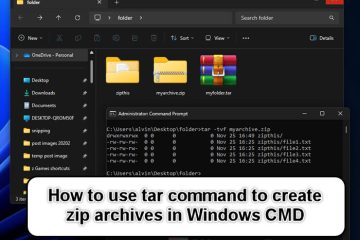
How to Use Tar to Create Zip Archive Files in Windows 11
Computing

Use Tar to Create Zip Archive Files in Windows 11

The tar command, which is very common in Unix and Linux systems for archiving and compressing files (also known as zipping), is also available in Windows 11 and Windows 10. It mainly helps you [...]

By Nyau Wai Hoe, ago
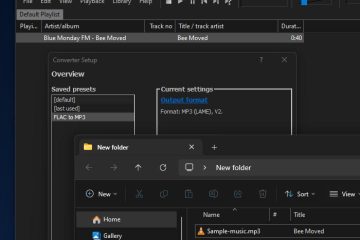
How to convert any audio files with foobar2000
App

Convert FLAC, MP3, ALAC, etc. with foobar2000

Foobar2000 is known for not just for playing music but also an amazing tool for changing audio files from one format to another. Foobar2000 can convert audio files from FLAC to MP3, or to other [...]

By Nyau Wai Hoe, ago
How to Scan QR Code Without Camera
Android

How to Scan QR Code Without Camera (PC / Phone)

QR codes are everywhere these days. They give us fast access to information. But what if the QR code is on your desktop or laptop computer screen or on a phone that you are currently using? You [...]

By Nyau Wai Hoe, ago