Windows 11

Fixes and how-to guides for Windows 11, covering error messages, blue screens, updates, settings, apps and drivers, explained step by step.

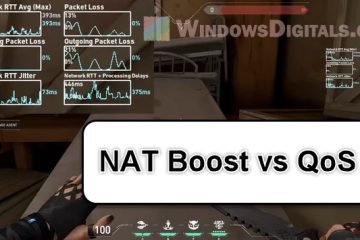
NAT Boost vs QoS Which is Better for Gaming
Gaming

NAT Boost vs QoS, Which is Better for Gaming?

If you’re into gaming, you might have heard about NAT Boost and Quality of Service (QoS). They both help make your online gaming better (usually by reducing latency and ensuring smoothness [...]

By Nyau Wai Hoe, ago
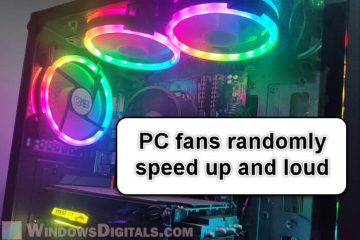
Computer Fans Randomly Speed Up
Hardware

Computer Fans Randomly Speed Up, Why?

If you notice that your computer’s fans (those inside your PC’s chassis) suddenly spin so fast that they make obvious noises, it could mean a few things, but normally it just means [...]

By Nyau Wai Hoe, ago
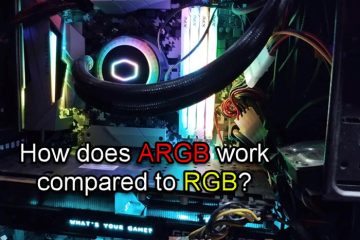
ARGB vs RGB Fans Controller, Header and Splitter
Computing

ARGB vs RGB Fans: Controller, Header and Splitter

ARGB, or Addressable RGB, is a next level RGB lighting technology for people who like to customize their gaming rig. The word “addressable” basically means it allows you to control [...]

By Nyau Wai Hoe, ago
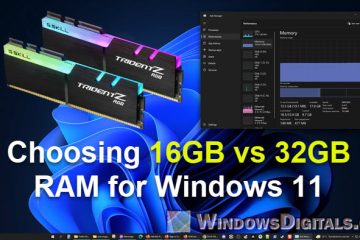
16GB vs 32GB RAM for Windows 11 Differences
Gaming

16GB vs 32GB RAM for Windows 11: Differences

If you’re building a brand new computer for Windows 11 or upgrading one, at some point, you will have to decide how much RAM to use for this rig. But among the two most commonly used [...]

By Nyau Wai Hoe, ago
GPU Artifacting Examples, How to Test, and Fixes
Hardware

GPU Artifacting Examples, How to Test, and Fixes

GPU artifacting is about weird or messed up images on your screen because of some problems with the graphics card. You might see things like flickering, odd lines, colors changing, or weird [...]

By Nyau Wai Hoe, ago
What is Logitech G-Shift and How to Use it
Gaming

How to Use G-Shift on Logitech Mouse or Keyboard

Logitech G-Shift technology is an amazing feature mainly found in Logitech’s G-series gaming mice and keyboards. Basically, G-Shift lets you set up a second bunch of commands or actions to [...]

By Nyau Wai Hoe, ago
How to Use Razer Hypershift on Keyboard or Mouse
Gaming

How to Use Razer Hypershift on Keyboard or Mouse

Razer Hypershift is an amazing feature from the Razer’s Synapse software. With Hypershift, you can unlock a secondary set of functions to your device’s existing buttons. This means you [...]

By Nyau Wai Hoe, ago
Ethernet Speeds of TVs from Apple, Samsung, Sony and LG
Gaming

Ethernet Speed of TVs from Samsung, Sony, LG and Apple

Smart TVs and the speed of their Ethernet connection speed might seem like a small detail, but it’s actually very important. It pretty much decides if you can really watch things in HD or [...]

By Nyau Wai Hoe, ago
Notepad Chinese Characters Bug
Troubleshoot

Notepad Chinese Characters Bug in Windows 11

If you’re opening a text file that is supposed to show Chinese characters in Notepad but instead you see a bunch of gibberish and weird symbols that don’t make sense, it is a common [...]

By Nyau Wai Hoe, ago