How to Change Mouse Movement Between 2-3 Monitors
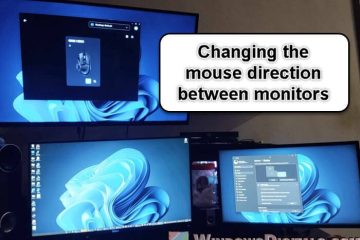
If you’re a professional or gamer using multiple monitors, it’s extremely useful to know how to control your mouse as it moves across different screens. For those using Windows 11 or [...]
Fixes and how-to guides for Windows 11, covering error messages, blue screens, updates, settings, apps and drivers, explained step by step.
If you’re a professional or gamer using multiple monitors, it’s extremely useful to know how to control your mouse as it moves across different screens. For those using Windows 11 or [...]

There is a common issue where some users have problems trying to get their Windows 11 PC to detect their USB-C monitors. This issue affects a wide range of devices and brands, not just a few [...]
Ever seen a photo or video with some parts hidden by a blur or mosaic? People use this effect to hide things like faces, license plates, sensitive stuff, or to cover up parts of the image. But [...]
There is a very strange yet quite scary problem where your Windows Explorer and File Explorer will crash when you just right-click on the desktop. This can happen for a few reasons like damaged [...]
Microsoft Outlook comes with several default folders like Conversation History, Junk Email, Archive, Suggested Contacts, and RSS Feeds. These folders are actually there to help organize things [...]
If you’re using an Acer laptop and your microphone stops working on Windows 11 or 10, it could be due to settings that aren’t quite right or something you might have missed in [...]
There is a common problem for Windows 11 and Windows 10 where you might see a weird pop up that says “avpui.exe – Unknown Hard Error” when you try to reboot or shut down your [...]
Many people who use Chrome or Windows actually want to know if there’s an easy keyboard shortcut to save images quickly. Sadly, there isn’t a direct shortcut just for the “Save [...]
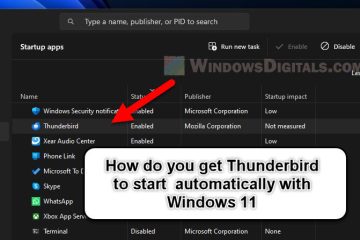
Thunderbird doesn’t start on its own when you turn on your computer with Windows 11 or Windows 10. This can be a bit of a hassle if you rely on Thunderbird for your emails and want it to [...]
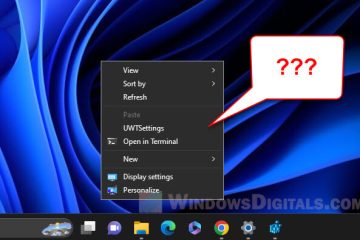
If you right-click on your desktop and see an option called “UWTSettings,” you might be curious about what it is and why it’s there. This option is actually linked to the [...]