Windows 10

How to Move Desktop Icons Freely in Windows 10
Microsoft

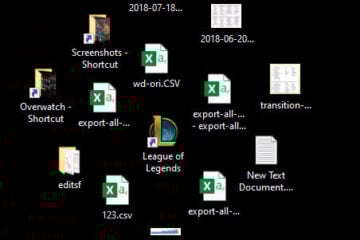
How to Manually Arrange or Move Desktop Icons in Windows 11/10

By default, Windows will auto arrange your icons to the left and align them to fixed grid. Newly created or added desktop icon will be automatically placed to the left most available grid on the [...]

By Nyau Wai Hoe, ago
PC power switch button to fix Windows 10 cannnot shut down issue
Troubleshoot

Can’t Shut Down Windows 11/10 (Goes back to login screen)

If you have an issue where you couldn’t shut down your PC because it goes back to the login screen every time you try to do so, especially after a recent Windows 11 or Windows 10 update, [...]

By Nyau Wai Hoe, ago
BitLocker password protected and locked drive
Windows 10

How to Password Protect a Folder in Windows 11 or 10

When we talk about password protecting, locking or encrypting files and folders in Windows 11 or Windows 10, we have little choices other than relying on third party encryption software. [...]

By Nyau Wai Hoe, ago
How to format HDD After Cloning Windows 10 to SSD
Troubleshoot

How to Format HDD After Cloning Windows 11/10 to SSD

If you have recently done a cloning of an old HDD to a new SSD, and have issue trying to format the old HDD afterward or just don’t know what to do next, this guide will show you how to [...]

By Nyau Wai Hoe, ago
change default search engine of search box in Microsoft Edge
Google

How to Change Edge Default Search Engine to Google

Microsoft Edge is a web browser comes pre-installed in all Windows 10 computers and devices. By default, Microsoft Edge uses Bing as its default search engine to return search results when you [...]

By Nyau Wai Hoe, ago
How to Edit Hosts File in Windows 10
Troubleshoot

Access Denied When Editing Hosts File in Windows 11/10

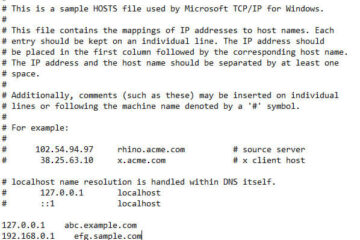
In Windows 11 and Windows 10, there is a specific file in the system folder called “hosts”. This file allows mappings of IP addresses to host names. For example, if you would like [...]

By Nyau Wai Hoe, ago