How to Convert Word DOC to JPG in Windows 11 or 10
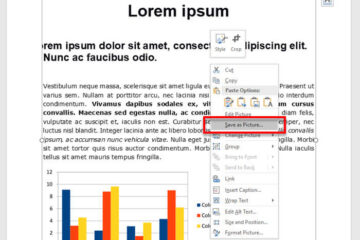
Saving or converting a word document as an image format was never a native function in Microsoft Word. However, depending on what you want to achieve, there are a couple of alternative methods [...]
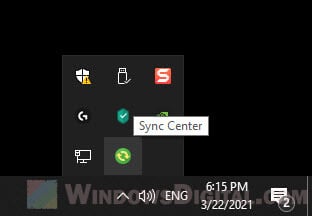
If you see a little green icon that says “Sync Center” when you hover your mouse over it in the system tray, it indicates a Windows synchronization feature called Sync Center is [...]
By default, Windows will auto arrange your icons to the left and align them to fixed grid. Newly created or added desktop icon will be automatically placed to the left most available grid on the [...]
If you get an error message that says “MSVCP140.dll or VCRUNTIME140.dll was not found in Windows 10″ when you try to install or run Origin or any other software or game, try the [...]
If you’re in a situation where you can only use your keyboard to operate your computer and you need to shutdown or restart your PC, this short tutorial will show you 3 methods on how to [...]
Windows 11 and Windows 10 both have a built-in file compression tool that allows you to zip files and folders without the need for any third-party software like WinRAR or 7Zip. This tutorial [...]
In most modern Windows 10 and Windows 11 laptops, tablets, and desktop computers, the screen brightness is usually set to be adaptive and automatically adjusted based on changes in ambient [...]
If you no longer need a service to run at startup, suspect it is malware, or prefer it to run only when you need it, you can disable it. Here’s a quick tutorial on how to disable services [...]
Windows 11 and Windows 10 encourage you to use a Microsoft account to get the best experience. But, you don’t actually have to. You can use a local account instead. This guide will show [...]
Many Windows users may wonder how to eliminate all sign-in options, from startup to booting into Windows 11 or Windows 10. With the introduction of “Microsoft Account” as part of [...]