Disable Notifications and Enable Game Mode in Windows 11/10
Getting those pop-up notifications can really bug you, especially if you’re all in on a game or an app in full-screen mode. You know, when you’re deep into something and suddenly, [...]
Fixes and how-to guides for Windows 11, covering error messages, blue screens, updates, settings, apps and drivers, explained step by step.
Getting those pop-up notifications can really bug you, especially if you’re all in on a game or an app in full-screen mode. You know, when you’re deep into something and suddenly, [...]
The Text Prediction feature in Windows 10 was initially only available on the software keyboard, also known as the Touch keyboard, on some Windows tablets and Microsoft Surface devices. However, [...]
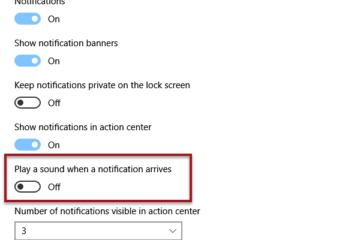
Windows 11 and 10 allow apps and programs to send you notifications with sounds when something happens (things relate to the apps). This can be useful but sometimes also annoying if you get too [...]
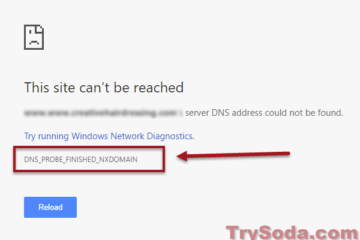
DNS_PROBE_FINISHED_NXDOMAIN is an error in Google Chrome that prevents you from accessing the website you were trying to access. As its name suggests, the error is DNS-related and can be caused [...]
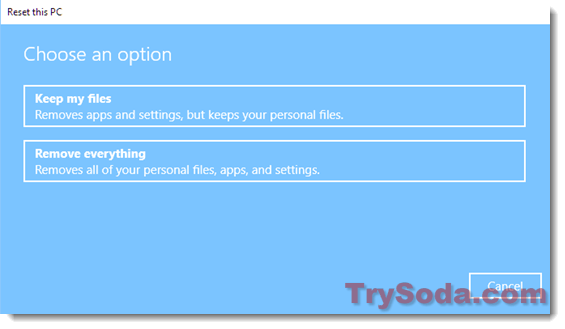
If your computer is currently in a very problematic state that you don’t feel like investing time in fixing anymore, or if you just want to reset your Windows back to its default factory [...]
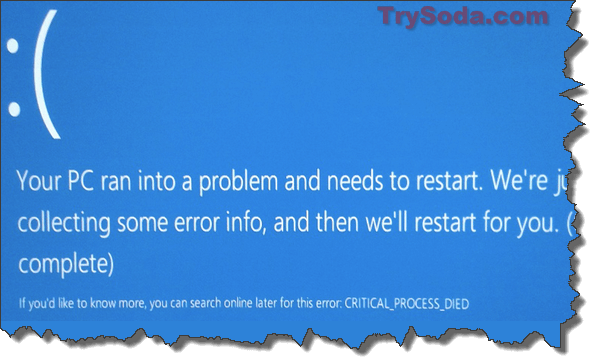
The Blue Screen of Death (BSOD) is a term used to describe a common error message with a (scary) blue screen that can appear on Windows PCs. This kind of error messages is usually considered one [...]
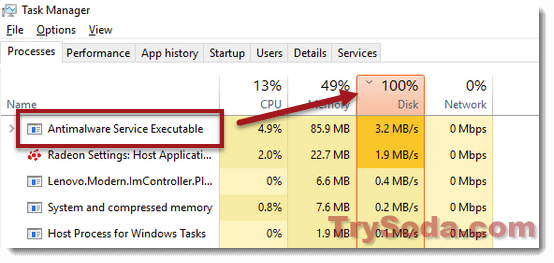
Antimalware Service Executable, also known as MsMpEng.exe, is a background process used by the built-in antivirus, Windows Defender, in Windows 11 or Windows 10. What does the process do? Why is [...]
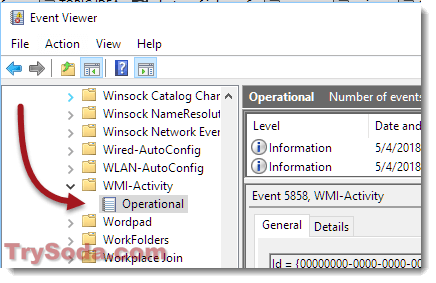
If you notice the WMI Provider Host process, also known as WmiPrvSE.exe, using a lot of CPU in Task Manager on Windows 11 or Windows 10, this post will help you understand why it’s [...]
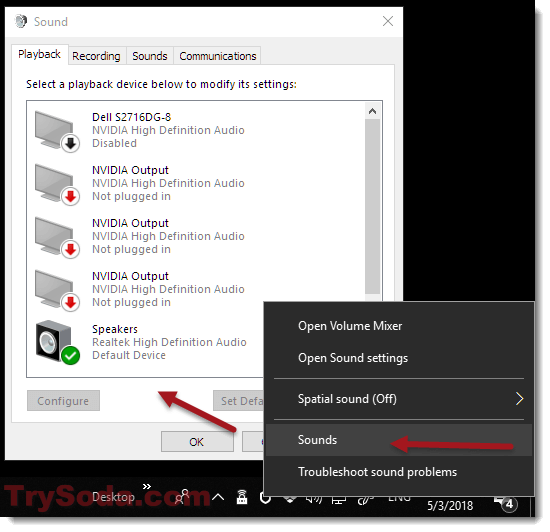
If you have just upgraded your PC to Windows 11 or Windows 10 and can’t find the Playback and Recording devices options where they usually are, here’s how to open them: Right-click [...]
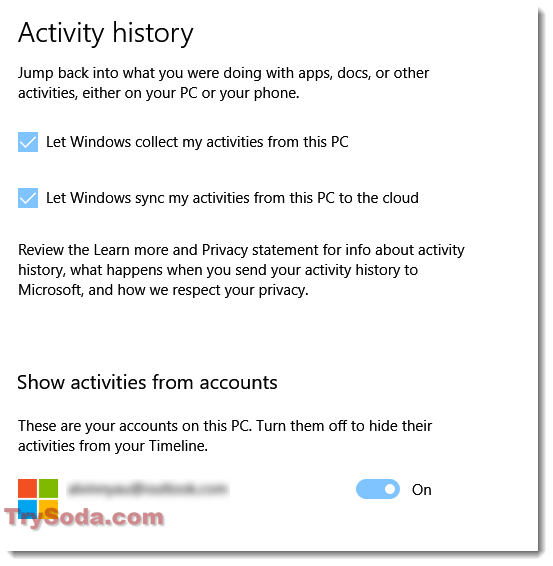
If, after upgrading to the Windows 10 April v1803 update, you go to the Task View and find that there is nothing displayed in the Timeline feature, we will explain why it may not be working and [...]