How to Remove Checkboxes From Icons in Windows 11
If you see checkboxes (tick box, check mark) on each of your files and folders icons on the desktop or in File Explorer, this guide will show you how to remove the checkboxes from the icons in [...]
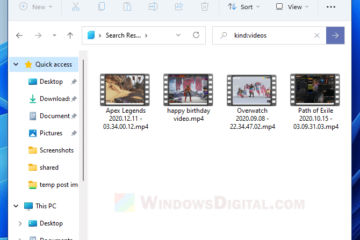
In File Explorer, other than just searching by keywords, you can also enter a search syntax to search for a specific kind of files, file type, size of files, etc. in Windows 11. This short [...]
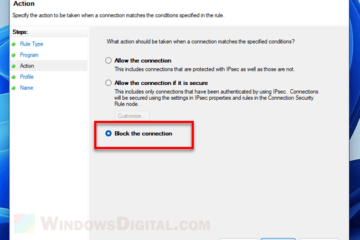
If there is an application, software, program or game you wish to block from accessing the internet, you can block the app using Windows Firewall so that no traffic can go in or out of the [...]
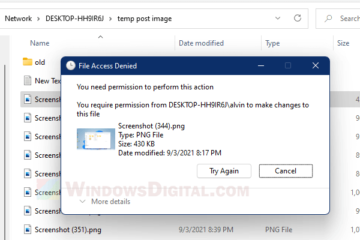
When you try to delete, rename, or copy/paste a file in a network shared folder, you will receive the error – “File Access Denied – You need permission to perform this action. [...]
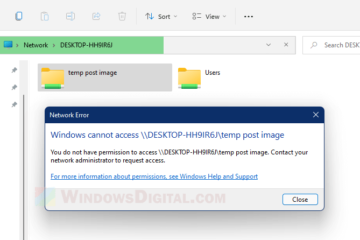
When you open a shared folder in a local network, if you receive the following error: “Windows cannot access \\DESKTOP-XXXXXXX\ shared folder – You do not have permission to access [...]
In Windows 11, you can enable the preview pane which will appear as a column on the right in File Explorer. The preview pane is able to show a preview of currently selected photo, video, text [...]
Microsoft OneDrive is a default pre-installed app which comes with Windows 11 installation. If you have recently upgraded to or fresh installed Windows 11, you may see that OneDrive [...]
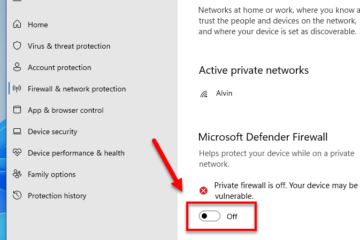
Firewall is a critical security defense to keep your PC and device safe from potential threats that may come from networks you’re connected to. In Windows 11, if there is no other third [...]
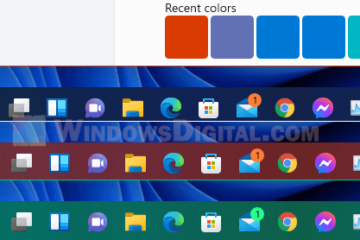
After fresh installing or upgrading your PC to Windows 11, the taskbar color is set as white color with transparency effects on by default. However, you can change the taskbar color to black or [...]
If you fresh install or upgrade to Windows 11 on a PC, Skype may come pre-installed with it. It is also one of the default apps that will be set to run on Startup in Windows 11. If you [...]