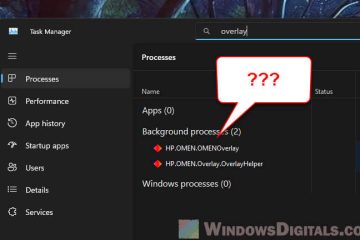
What is HP.OMEN.Overlay.Helper & How to disable it
If you’re randomly prompted with a UAC pop-up that asks for permission for HP.OMEN.Overlay.OverlayHelper to make changes to your computer, or if you already knew about this process and are [...]
Fixes and how-to guides for Windows 11, covering error messages, blue screens, updates, settings, apps and drivers, explained step by step.
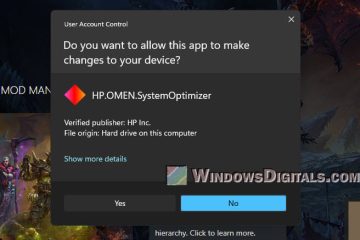
If you’re randomly prompted with a UAC pop-up that asks for permission for HP.OMEN.Overlay.OverlayHelper to make changes to your computer, or if you already knew about this process and are [...]
This is a problem where whenever you launch a game or an app, there will always be a pop-up about “User Account Control” asking for your permission as to whether to allow this app [...]
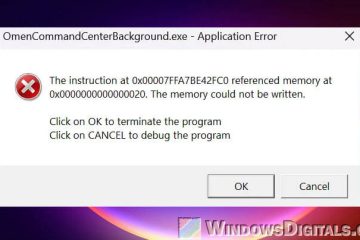
If you have HP OMEN Gaming Hub or OMEN Command Center installed on your PC, you’ll have this process called OmenCommandCenterBackground.exe running in the background. This guide will talk [...]
There is quite a common issue for those who’ve installed OMEN Gaming Hub by HP where the app, along with some of its processes like HP.Omen.OmenCommandCenter.exe, Omen Command Center [...]
If you have also noticed a weird process called HP.OMEN.OMENInstallMonitor in the Task Manager using up a lot of RAM and sometimes causing high CPU usage too (in Windows 11 or 10), you might be [...]
If you’ve noticed that some PowerShell windows randomly pop up for a split second and your CPU usage spikes up strangely, you’re probably dealing with some nasty malware. This can be [...]
Do you have this problem where when you drag and move around a window, let’s say the Task Manager window, on the Windows 11 desktop and it stutters a lot? The stuttering is also quite [...]
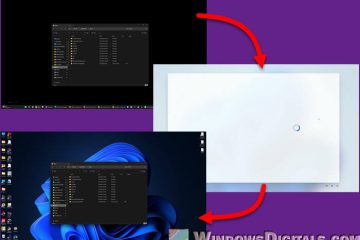
Have you ever encountered a very weird issue in Windows 11 where when you do something on your desktop, like opening an app or interacting with one, and your desktop flashes or flickers a few [...]
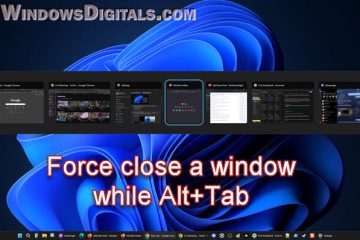
In this guide, I’m going to share a tip that many people might not know, but it’s actually very useful, especially when you have too many windows open on your computer. Sometimes, [...]
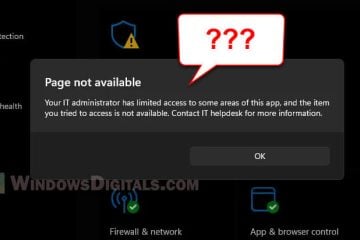
If you’re using a home PC that is used only by you, and suddenly you see a message in the Windows Security section on Windows 11 that says “Page not available. Your IT administrator [...]