Windows 11

Fixes and how-to guides for Windows 11, covering error messages, blue screens, updates, settings, apps and drivers, explained step by step.

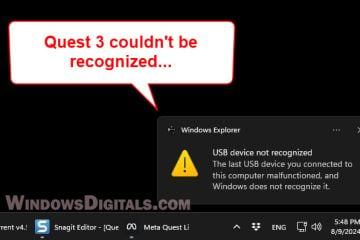
PC can't detect Quest 3 (USB device not recognized)
Gaming

PC can’t detect Quest 3 (USB device not recognized)

When you try to connect your Meta (Oculus) Quest 3 to your PC via USB Link cable, and you see a notification that keeps popping up at the bottom right corner of the Windows 11 or 10 taskbar that [...]
By Nyau Wai Hoe, ago
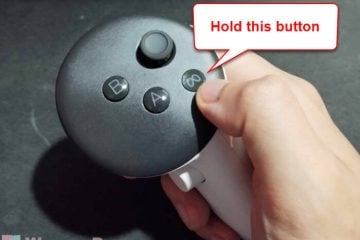
Hold Meta button on Oculus Quest 3 right controller
Troubleshoot

How to Actually Take a Screenshot on Quest 3

If you have a Meta (Oculus) Quest 3 VR headset and want to take a screenshot, there are times when you might want to take a quick screenshot to save a moment or to share it with your friends. [...]

By Nyau Wai Hoe, ago
Where are Quest 3 Screenshots and Videos Stored
File Explorer

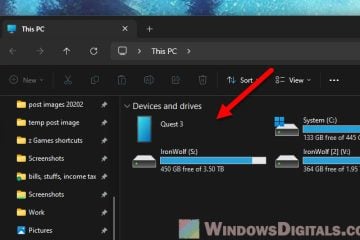
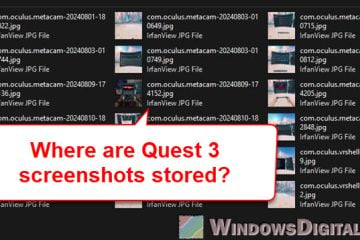
Where are Quest 3 Screenshots and Videos Stored?

Meta (Oculus) Quest 3 and its predecessors – Quest 2, Quest and even Rift S, allow you to take screenshots of what you’re seeing in your headset right from the device. As for video [...]

By Nyau Wai Hoe, ago
Enable File Transfer for Quest 3 and PC
File Explorer

How to Enable File Transfer Between Quest 3 and PC

The Quest 3 comes with either 128GB or 512GB of storage, where you can store your VR games, movies, and photos. But when you want to, for example, send your movies from your PC to your Quest 3 [...]

By Nyau Wai Hoe, ago
Meta Quest 3 General Device Problem in Link Cable
Hardware

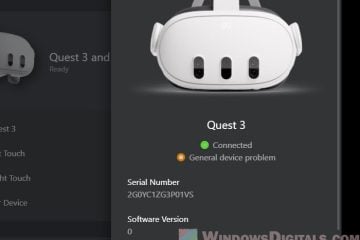
Meta Quest 3 “General Device Problem” in Link (Cable)

When you connect your Meta (Oculus) Quest 3 to your PC via a USB-C cable and see that the Meta Quest Link shows “Connected” but with a “General device problem” error, you [...]

By Nyau Wai Hoe, ago
WiFi Best Channel to use for 5 GHz VR
Android

How to Find the Best Channel for Your WiFi (VR)

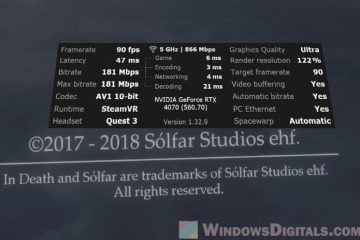
If you’re using your VR headset wirelessly, for example, Oculus Quest 3 or 2 via Air Link or Virtual Desktop, or other headsets like Pico 4, Valve Index, or HTC Vive, besides choosing [...]

By Nyau Wai Hoe, ago
Why did my Desktop Icons Shrink and Look Small in Windows 11
Troubleshoot

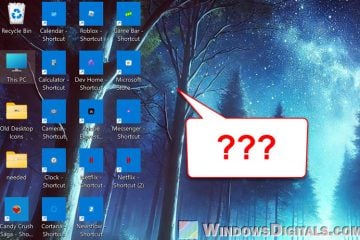
Windows 11 Desktop Icons Shrink and Look Small?

Did some of your desktop icons suddenly shrink really small and are sitting tiny inside their designated blue boxes? In most cases, the icons that have this shrinking problem are usually related [...]

By Nyau Wai Hoe, ago
Why is Bottom Half of My Monitor Screen Flickering
Hardware

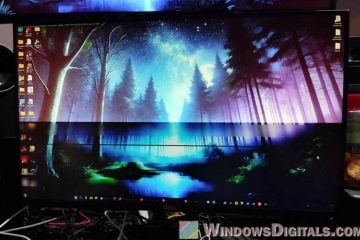
Bottom Half of My Monitor Keeps Flickering, Why?

Computer screen flickering is one of the most common display issues, but what if only half of your monitor screen is flickering? It sounds weird but it does happen sometimes. The causes of this [...]

By Nyau Wai Hoe, ago
WiFi 5 vs WiFi 6 vs WiFi 6E for Virtual Desktop VR
Gaming

WiFi 5 vs WiFi 6 vs WiFi 6E for Virtual Desktop (VR)

When you get your first VR headset, like the very popular Oculus Quest 2 or 3, Pico 4, Valve Index, HTC Vive, or others, you will typically come across Virtual Desktop, which is a must-use app [...]

By Nyau Wai Hoe, ago
Why is Bottom Half of My Monitor Screen Black
Hardware

Why is Bottom Half of My Monitor Screen Black?

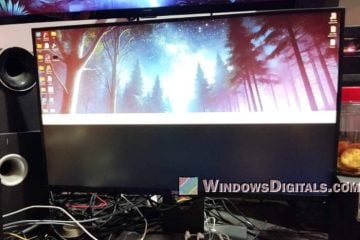
If you find that the bottom half (or top half) of your monitor screen turns black or is showing black bars or weird artifacts, besides the monitor being broken, there are other things that can [...]

By Nyau Wai Hoe, ago