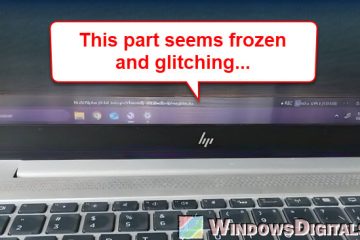
Bottom of Laptop Screen Glitching and Freezing
If you’re encountering an issue where only the bottom part of your laptop screen (usually where the taskbar sits on the Windows desktop) seems to be freezing and glitching while the rest [...]
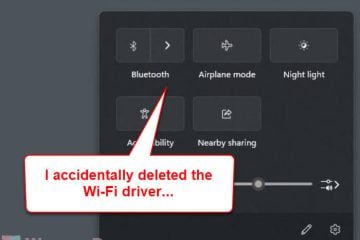
It might seem unusual to have your WiFi driver accidentally deleted from Windows, but it happens, especially when you’re trying to troubleshoot and fix an internet issue yourself and [...]
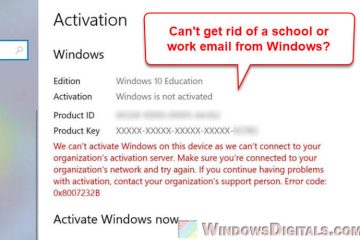
When you’re setting up a new PC, it’s easy to just type in the first email address that pops into your head. For a lot of us, that’s our school or work email. This might seem [...]
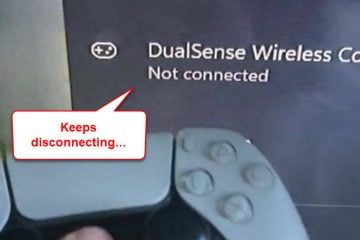
If you’re using a DualSense (PS5) or a DualShock4 (PS4) controller with your Windows 11 or 10 PC via Bluetooth, there is quite a common issue where, when you turn on the controller, it [...]
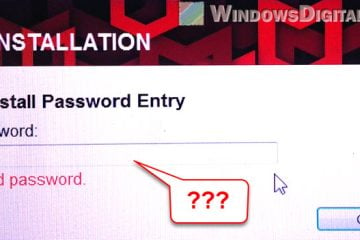
If you are trying to uninstall McAfee from a Windows machine (e.g., Windows 11, 10, or even 7) but it is asking for a password, it’s likely because the software was installed with corporate [...]
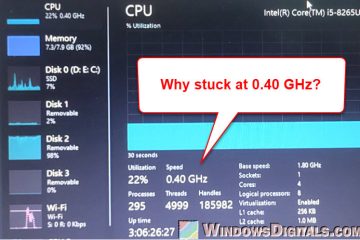
If you’ve noticed that your laptop’s CPU speed sometimes is stuck at 0.40 GHz when you check the “Performance” tab in Task Manager, you’ll likely experience [...]
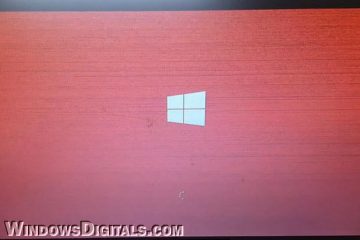
If you are seeing a weird, completely red screen with a Windows logo on startup (when you log in to Windows), or during restart or shutdown of your Windows 11 or 10 PC, especially on some [...]
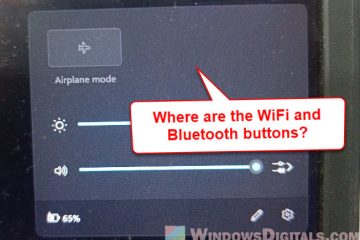
If you notice that the WiFi and Bluetooth buttons are both gone from the taskbar corner area (where they usually appear) in Windows 11, which means you can’t connect to the internet [...]
If you’re seeing the same thing as in the screenshot below, where, after the Windows welcome or login screen, you’re stuck on the desktop with no icons at all and an empty taskbar [...]
If you’re seeing a weird static white glitch box on your monitor screen that looks like the screenshot below, regardless of what operating system (OS) you’re using, whether [...]