Windows 10
Where Are Sticky Notes Stored in Windows 10/11?
If you use the Microsoft Sticky Notes app on Windows 11 or Windows 10 and want to know where the notes are stored, or how to backup and restore them, you’re in the right place. In this [...]
If you use the Microsoft Sticky Notes app on Windows 11 or Windows 10 and want to know where the notes are stored, or how to backup and restore them, you’re in the right place. In this [...]
Just like physical sticky notes we often use in our daily life, it would be very convenient to have sticky notes on Windows 10 desktop where we can jot down important things and reminders [...]
If you were installing Windows 10/11, applying a Windows Update, or using your computer normally, you may have received a Blue screen of death with a STOP error that reads [...]
The “Bad System Config Info” error, commonly appeared as BAD_SYSTEM_CONFIG_INFO, is a blue screen of death (BSOD) STOP code error that can occur in both Windows 10 and Windows 11. [...]
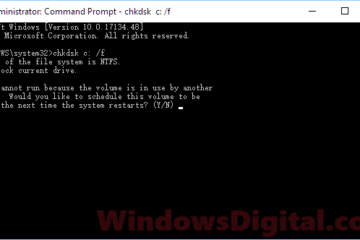
If you encounter problems with your Windows 10/11 and you’re unable to solve them, or your computer won’t boot into Windows, don’t worry. Here’s a guide on how to repair [...]
If you’re having trouble logging into your Windows 10 or Windows 11 computer after an update, and find yourself kicked back to the login screen without any error messages, there are a few [...]
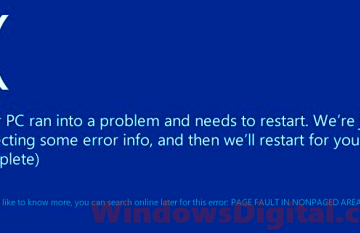
The PAGE_FAULT_IN_NONPAGED_AREA error is a very common blue screen error that many Windows 11 or Windows 10 users would encounter. It usually shows up with a STOP code message that suggests [...]
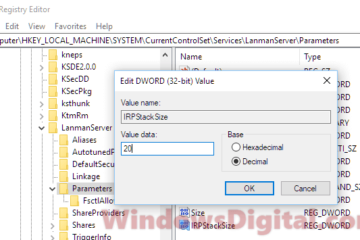
If you’re seeing the error message “Not enough memory resources are available to process this command” on Windows 11 or Windows 10, it usually means there’s not enough [...]
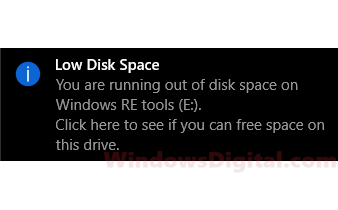
When Windows 10 or Windows 11 sees that your hard drives are almost full, it will show a small pop-up warning message on the bottom right of your screen on the taskbar. Sometimes, it will even [...]
Are you seeing the error message “The User Profile service failed the sign-in” or “User profile cannot be loaded” on your Windows 10 or Windows 11 computer? This means [...]