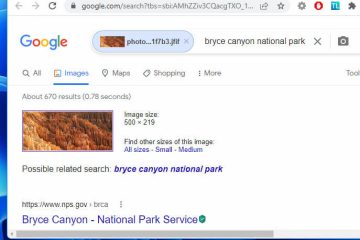
How to Google Reverse Image Search on Windows 11
Like Google’s dominating web search, its Reverse Image Search is also the most popular image search engine in the world. Google reverse image search, also known as Google Search by Image, [...]
How-tos and fixes for Google Search, Docs, Calendar, Photos and Translate on a PC or phone, plus help with Google’s unusual traffic page.
Like Google’s dominating web search, its Reverse Image Search is also the most popular image search engine in the world. Google reverse image search, also known as Google Search by Image, [...]
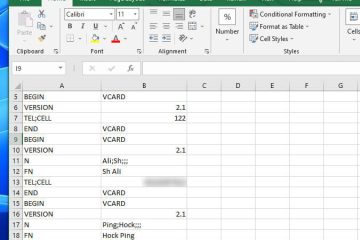
A VCF file, also known as vCard file, is a type of file that stores contact information for one or more persons or businesses. It typically contains the name, address, phone number, email [...]
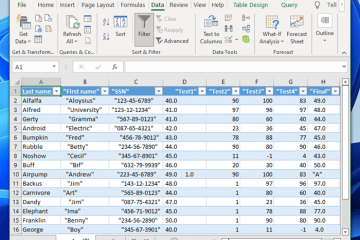
A CSV (Comma-Separated Values) file is a type of file called delimited text file that uses comma to separate data values. This guide will show you how to open CSV file in Windows 11 using [...]
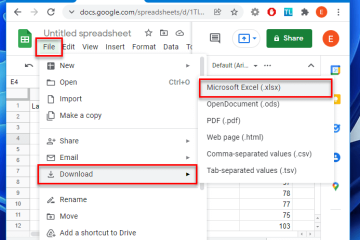
TXT, CSV and Excel spreadsheet formats files (XLS or XLSX) are great ways to store data. Depending on your need and how you want to use and edit the file, you can convert TXT, CSV or Excel [...]
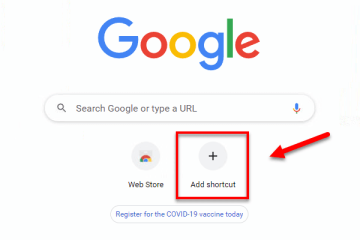
Google Chrome’s New Tab page, also often known as Homepage, has a section where you can add website shortcuts you frequently visit. This is to allow users to quickly access websites they [...]
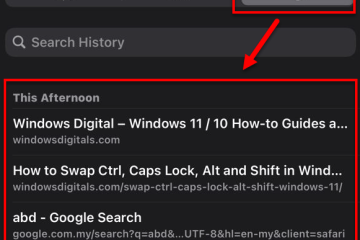
As we browse the web, we often have multiple tabs open and we close tabs that we no longer need. There are times you may accidentally close a tab that you didn’t mean to or weren’t [...]
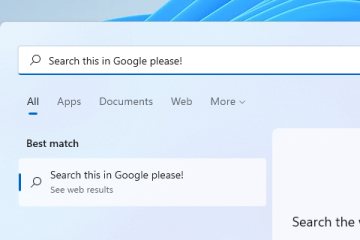
In Windows 11, the Start menu Search uses Microsoft Edge as the default browser and opens all web search queries on Bing. There is no setting in Windows that allows you to change the default [...]
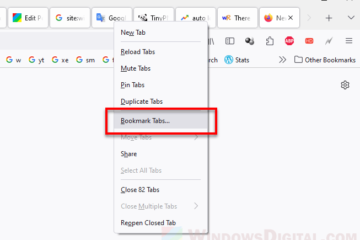
When you have multiple tabs open on your browser, you can bookmark/save all open tabs at once instead of saving one by one. This guide will show you how to bookmark all tabs in Mozilla Firefox, [...]
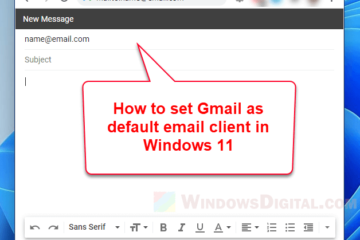
In Windows 11, when you click on an email related link, Windows will open the request in the default app set for the link type, which is by default the Mail app if you have never made any [...]
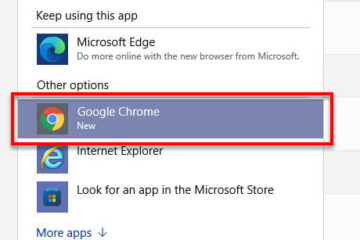
In Windows 11, Microsoft Edge comes pre-installed and will automatically be set as the default web browser for all web file types and link types. If you prefer to use other web browsers such as [...]